


Artstash – Digital Asset Management System


Context
Project Setup
I was the sole designer on a 13-person team, built the project from scratch collaborating closely with a product owner, 2 project managers, 7 developers, and 3 QA testers. We followed the Dual-track Agile methodology to balance discovery and delivery.
My Goal
Create a competitive product with a simple, intuitive design, allowing users outside the development and 3D/Game industries to navigate the process seamlessly without technical support, and constant waiting time.
About The Project
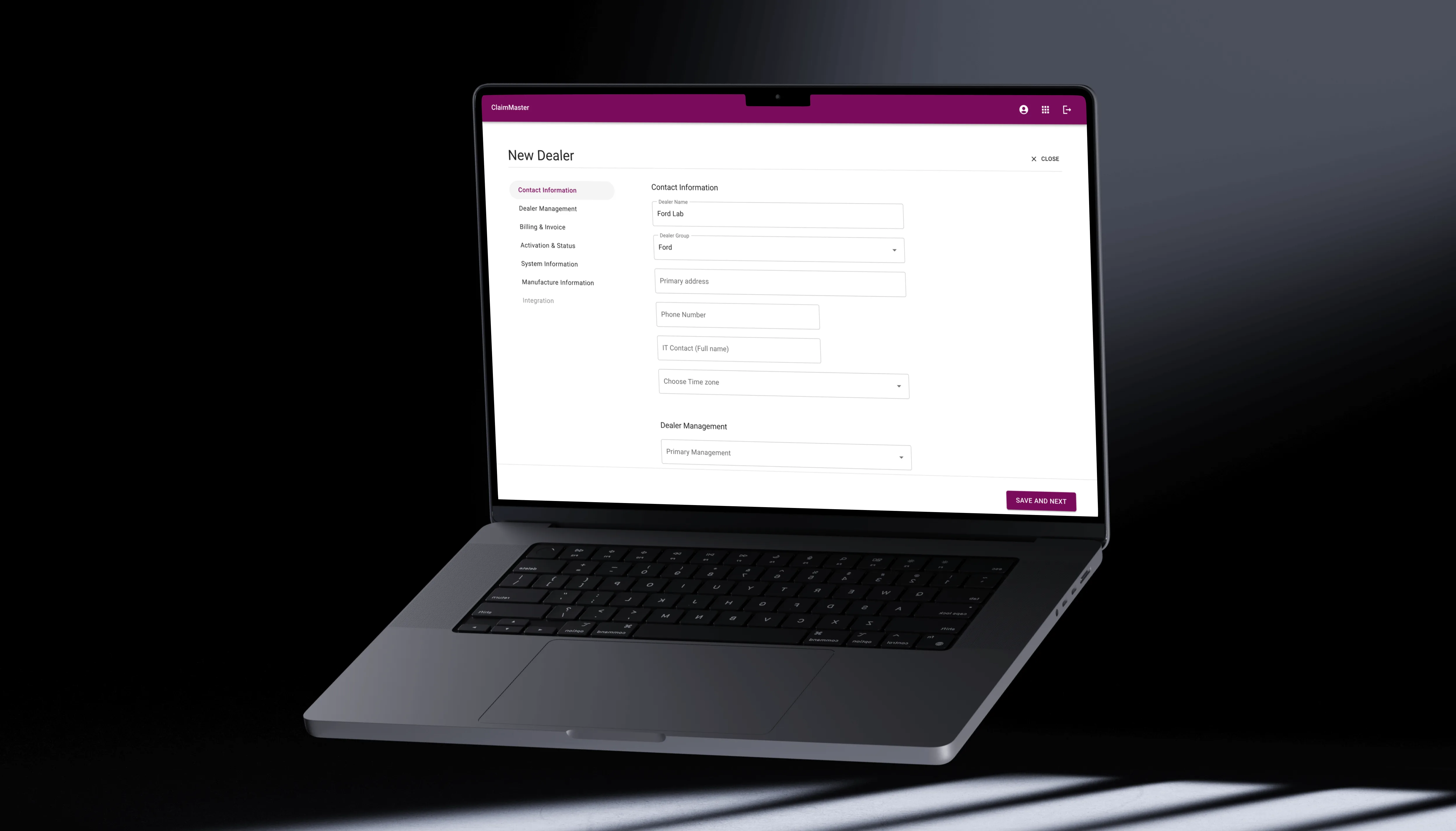
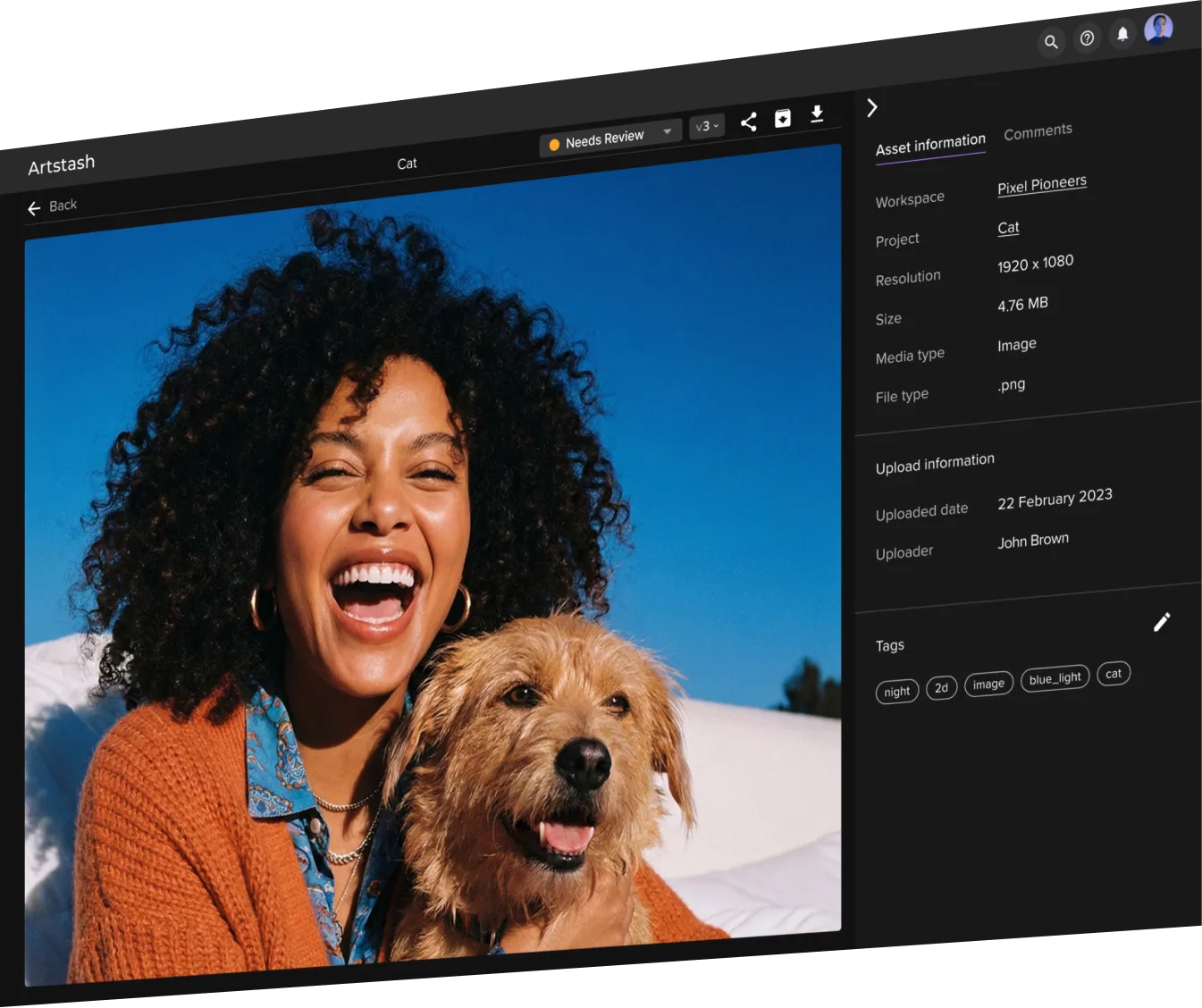
Artstash is a Digital Asset Management system, centralised platform designed to help artists and creative teams efficiently store, organise, and share their digital assets. This tool simplifies collaboration and ensures that all project materials are easily accessible, enhancing productivity across creative projects.
Being the sole designer
Being the sole designer meant every design call landed on my desk — no senior designer to escalate to, no peer review. Sole-designer projects test how well you can lead through reasoning, not authority. Every decision had to be defensible to engineers who wanted simpler logic, PMs who wanted faster timelines, and a PO who wanted differentiation. I learned to bring trade-off matrices to every discussion instead of opinions.

For a long time, creative teams had to use lots of different tools to get their work done.
Now - Artstash.io brings everyone and everything together in one place
artstash

Team
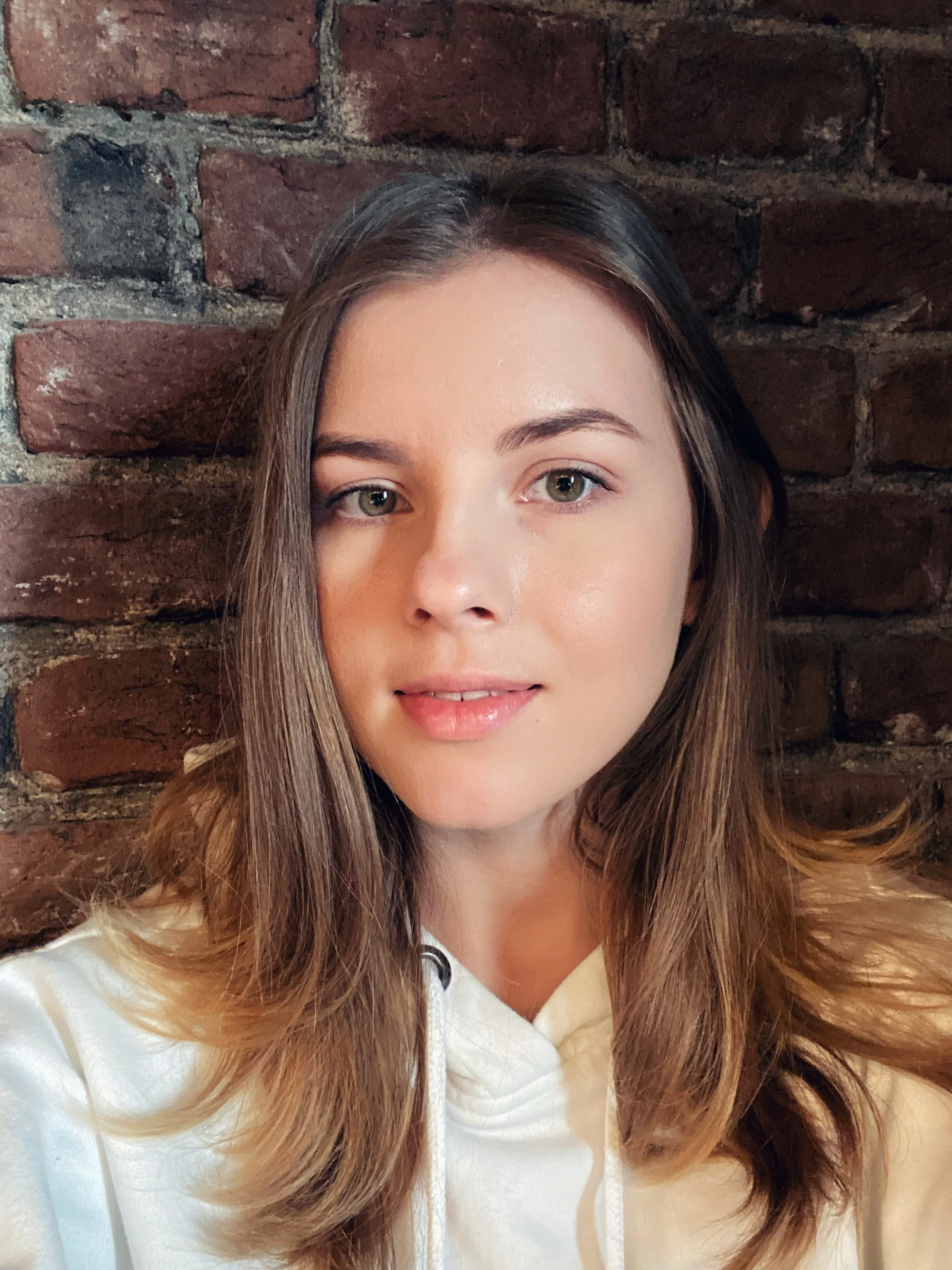
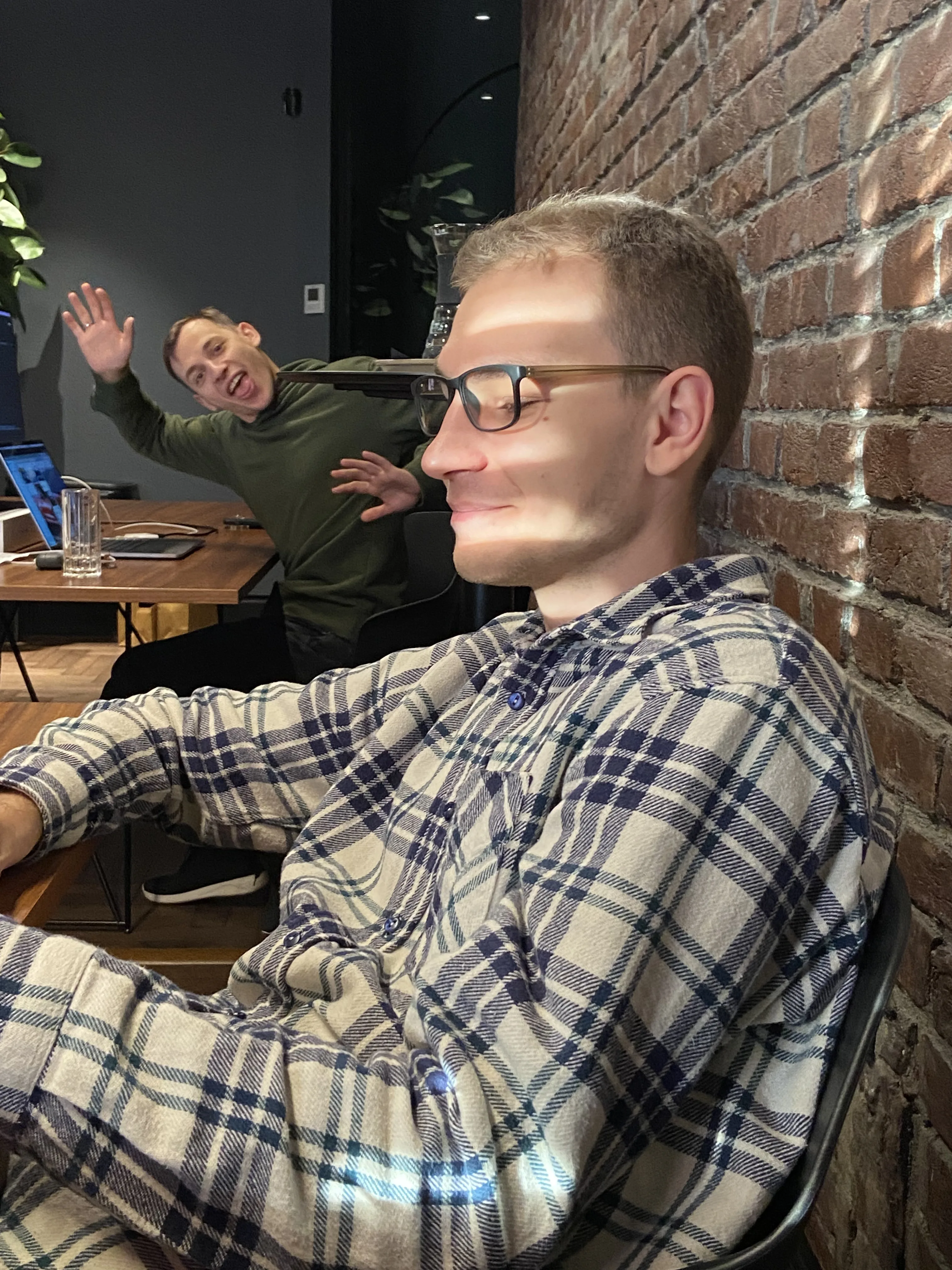
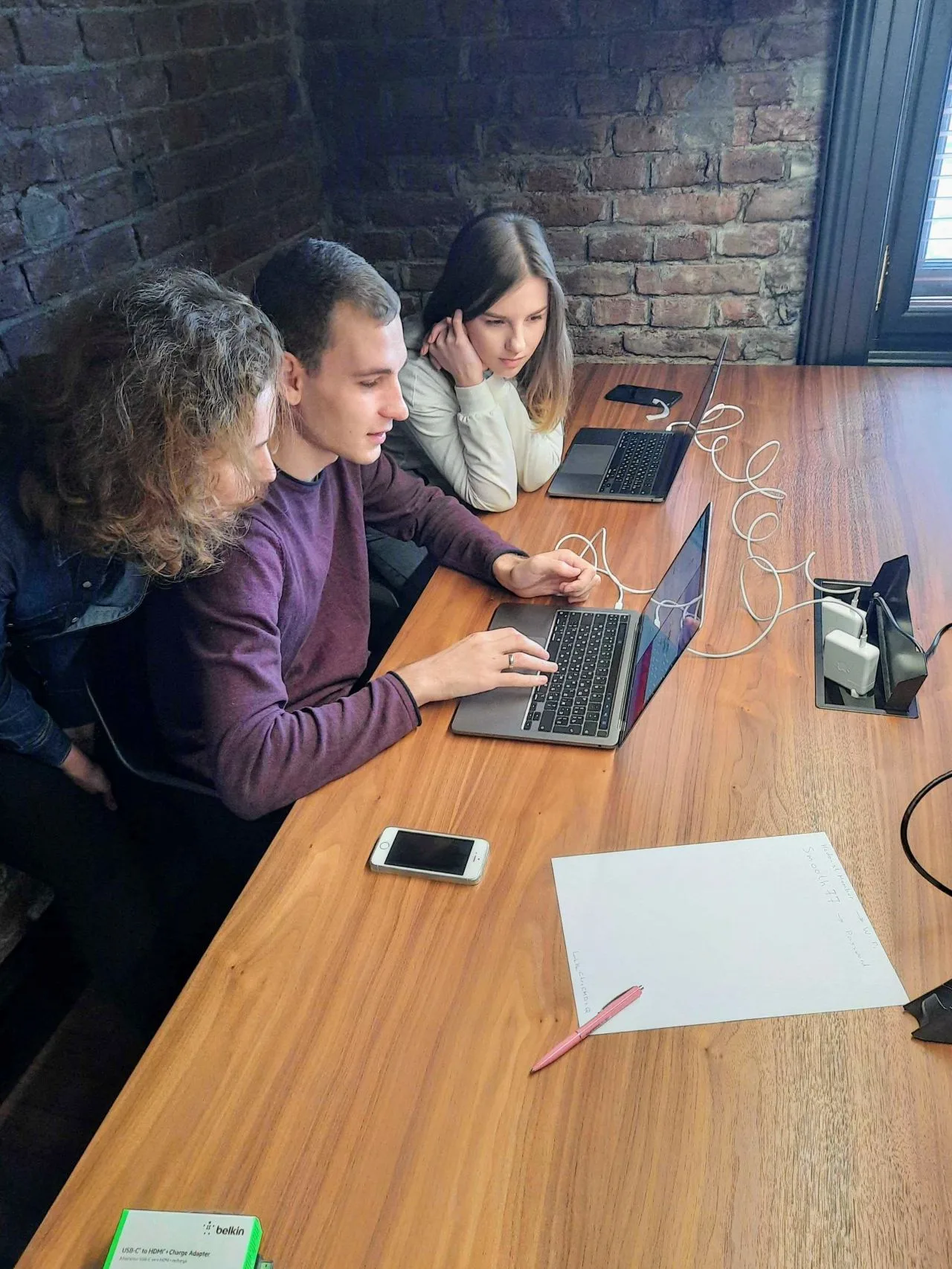
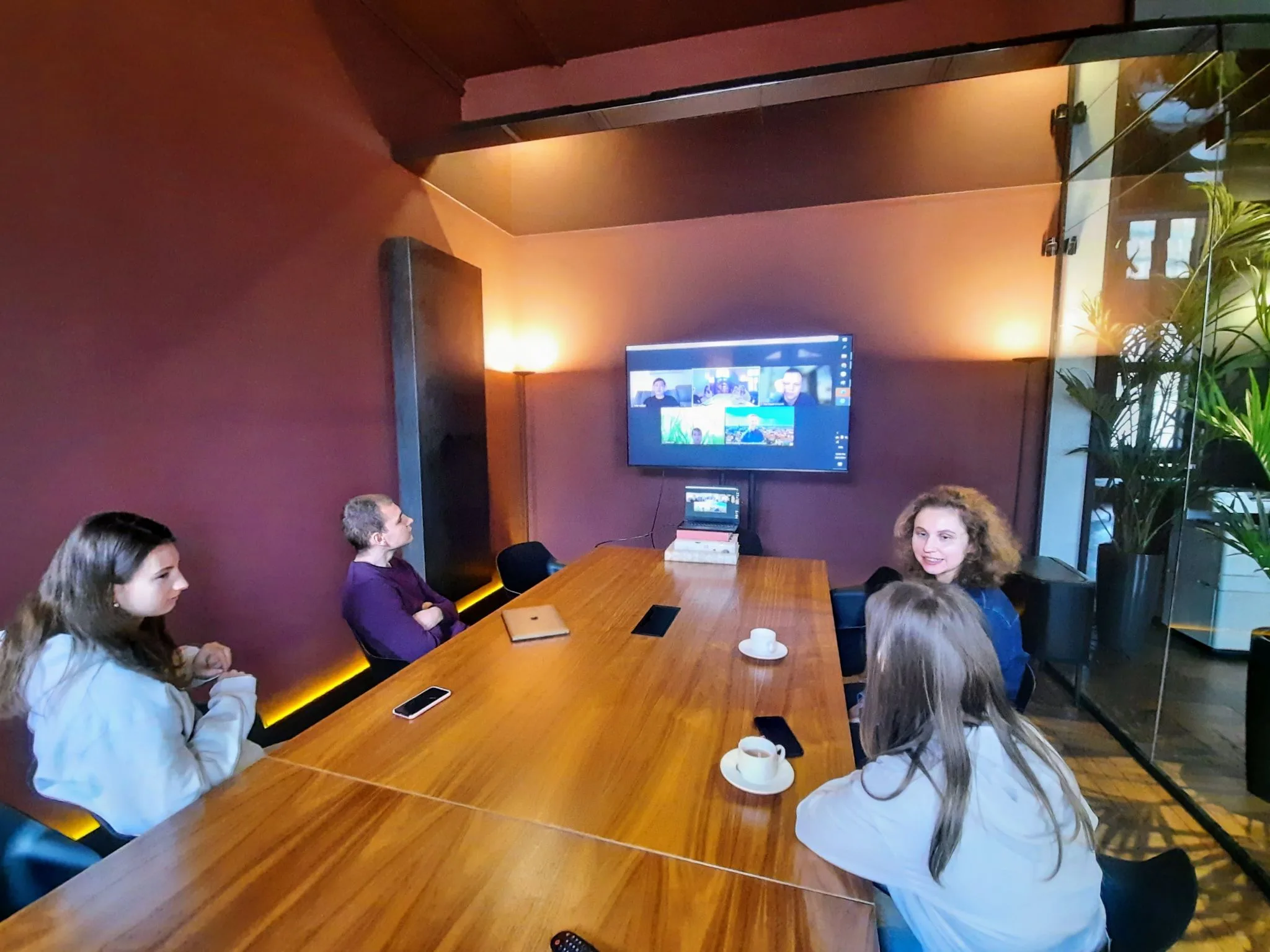
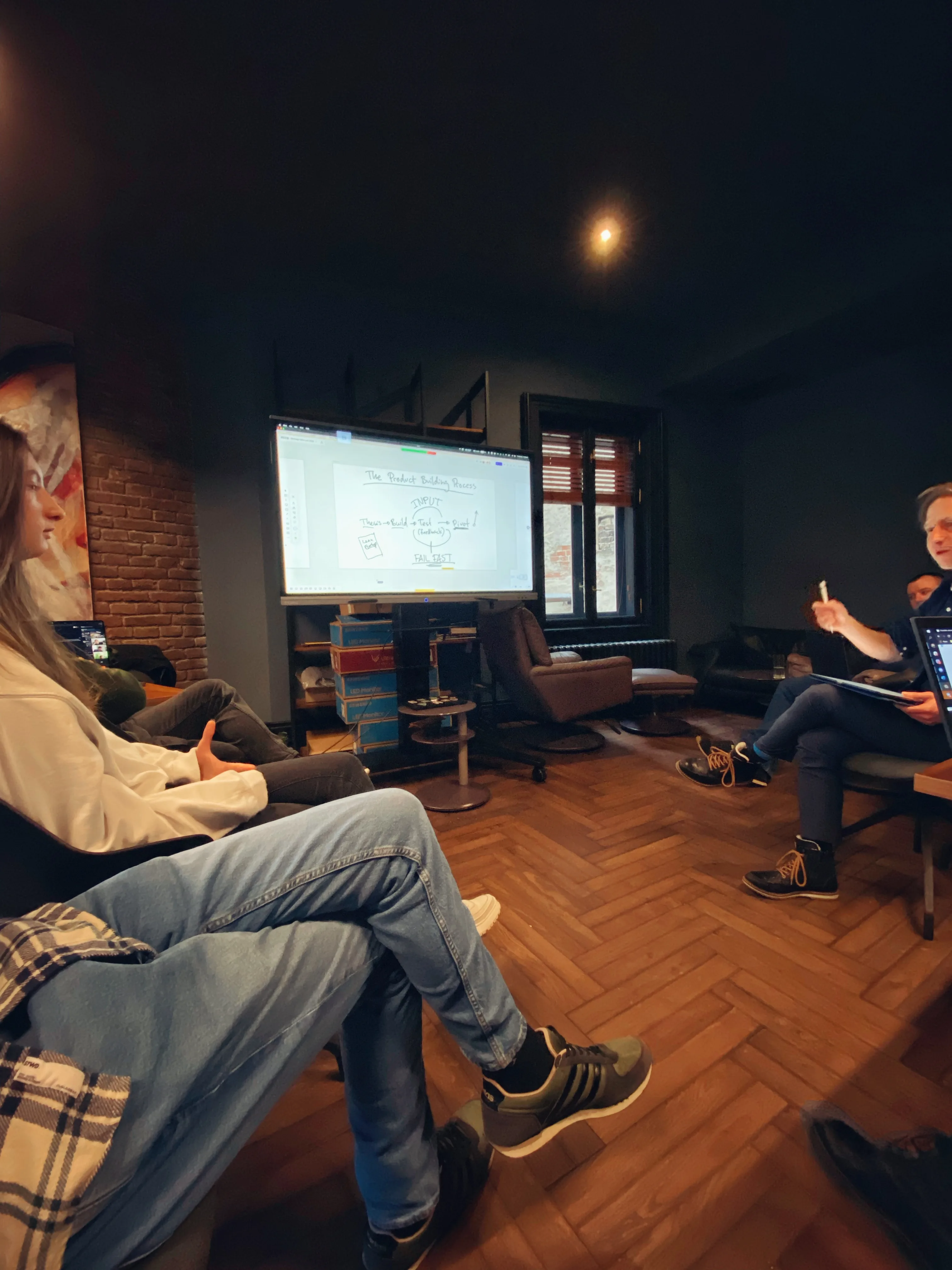
The photos below are real moments from our office, sprint reviews, design critiques, the kind of late night problem solving that doesn’t make it into a Figma file. They’re here as evidence that I work shoulder to shoulder with engineering and PM, not in a designer silo.
Office Snippets
The crew in action. A collection of focused work, collaborative moments, and the friendly faces behind the project.
Problem & Research
Creative teams were using five tools to do one job
Game studios and marketing teams handle thousands of assets daily — 3D models, textures, layered files, video. These live scattered across Google Drive, Dropbox, Git, Perforce, and local servers. No tool brought them together.
“3D software is too complex, preventing me from previewing files.”
Manager
“I spend an hour a day just figuring out which file is the latest version.”
3D artist
Finding out what people actually use, not What they describe
Dual-track Agile let me run discovery in parallel with delivery. I used four research directions, each chosen to answer a specific question.
Competitor analysis
I researched the most popular competitors and analysed user feedback on what works and what doesn't. It was crucial for me not to repeat their mistakes, like making the tool too complex while missing the essential features needed for a full workflow
Observing how artists work
Watching how artists manage files shows how they actually work. They often use dates in folder names to save different versions, which they rarely mention in interviews, and other hidden tricks.
Service blueprinting
Tracking files from creation to delivery revealed a major issue: files get lost and work is duplicated whenever it’s passed between departments.
Technical Reality Check
Shipping 3D previews and live multi-platform sync required understanding what was feasible in v1 versus what should wait for v2.
Tools I audited
Bynder
marketing DAM — market leader
Powerful but built only for huge companies. Small teams quit using it almost immediately because it was way too much work to set up.
Frame.io
video review & collaboration
The gold standard for great design. It proved that creative software can be powerful without feeling heavy or complicated.
Brandfolder
brand asset management
Great for managing permissions, but bad for 3D and game projects. It confirmed exactly where the market was failing.
Perforce Helix Core
version control for binary files
The industry standard for game studios. It was built for engineers, so artists find it impossible to use. Our goal: a tool that artists actually enjoy opening.
Git LFS
large file storage
It handles storage but ignores the creative process. There are no previews, no metadata, and no way for teams to collaborate.
Clear goals
I worked with the product team to set clear goals. Each goal fixed a specific problem found in other tools. From that point on, every design we made had to meet these four standards.
The Core Insight
“Artists don’t want to move their files to a new platform; they want their current storage to just work.”
The Opportunity
“Current tools fail to cover the full creative cycle, and most platforms can’t even preview 3D files.”
Simple enough for anyone to use
Artists and marketers should be able to upload, organise, and share files on their own, without needing help from technical staff.
Works with your current storage
Sync with current platforms (Google Drive, Dropbox, AWS, Perforce) rather than replacing them. This is one of the main competitive advantages.
Automatic versioning
Every change is tracked automatically with the author's name and a timestamp. Eliminates manual file naming like “final_v3_FINAL.psd.
Market-ready product
Launch a tool built for real-world workflows that solves actual problems and generates revenue.
The Solution
Versioning
Killing “final_v3_final_real.psd”
Naming file versions manually is a waste of time that leads to mistakes. Most people skip manual versioning when they are under pressure. The only system that actually works is one that users don’t have to think about. Artstash tracks every change automatically. This completely removes the confusion over which file is the latest version. It just works in the background.



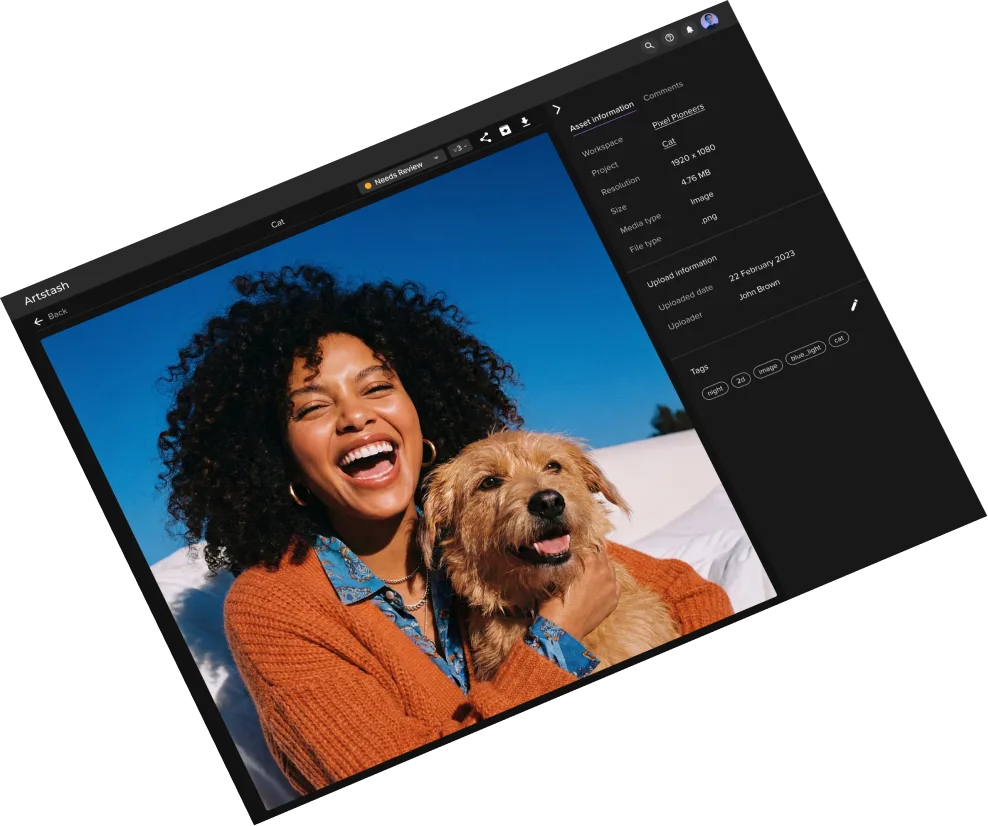
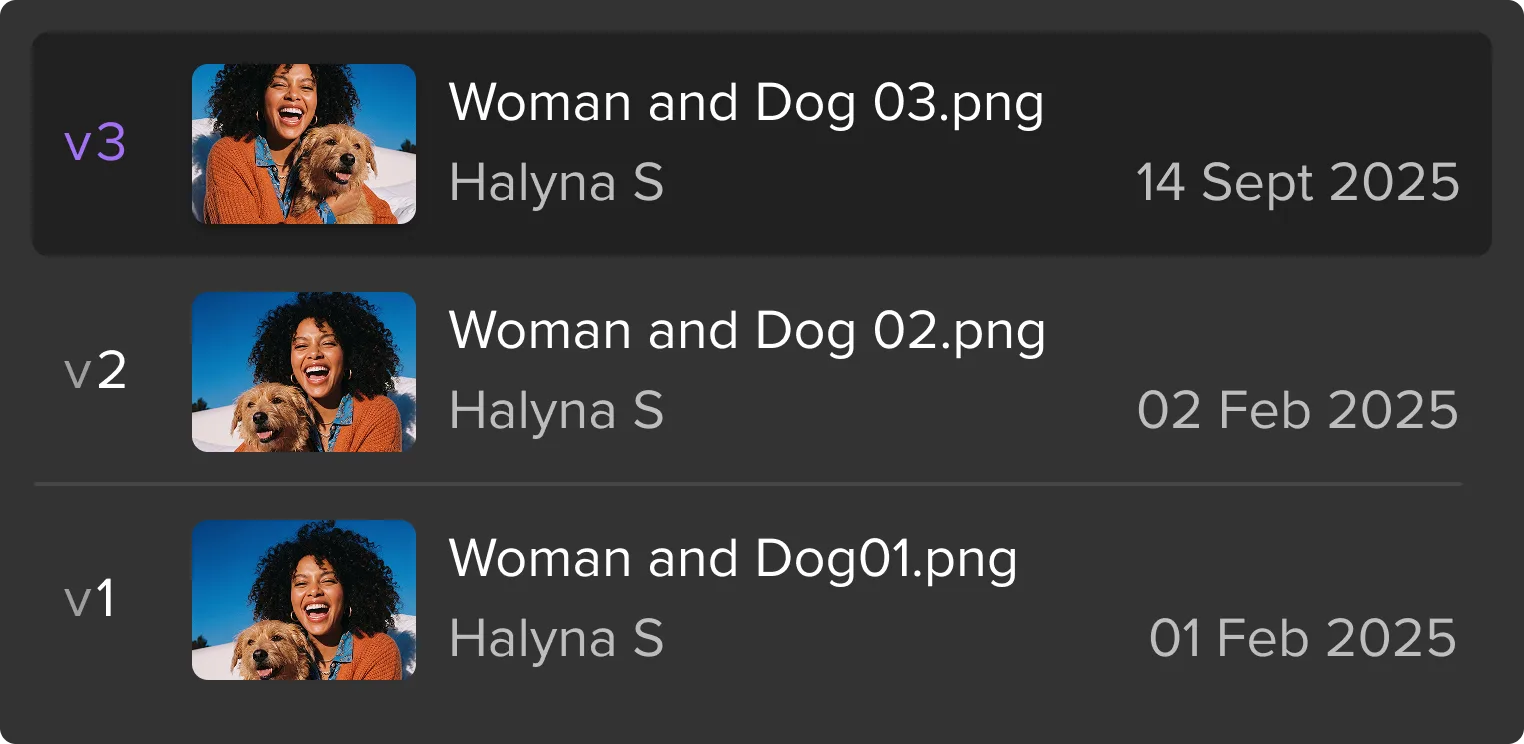
Never lose track of changes
Artstash automatically saves every version of your asset, giving your team full visibility into updates, authors, and timelines
ARTSTASH.IO
ARTSTASH.IO
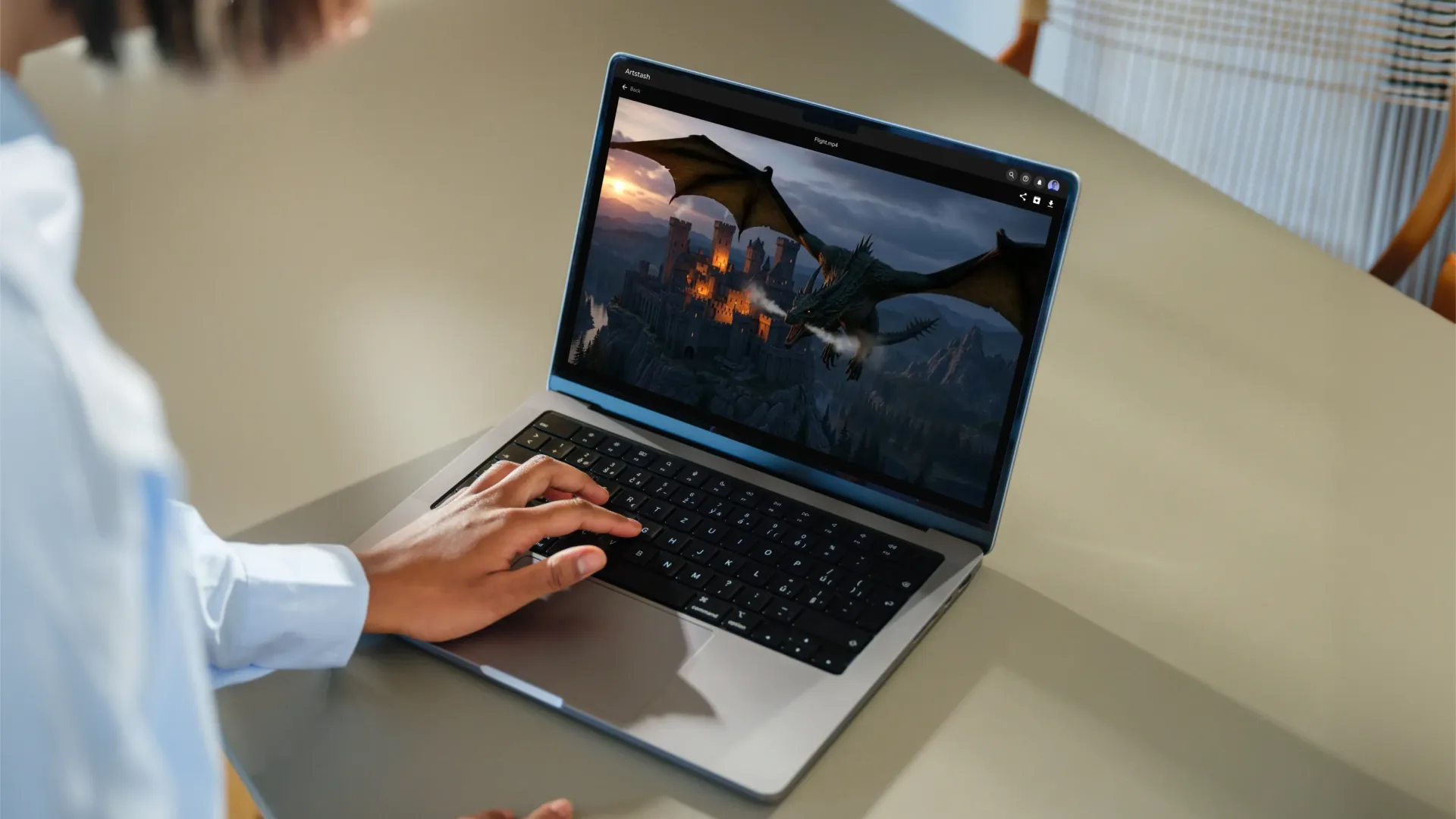
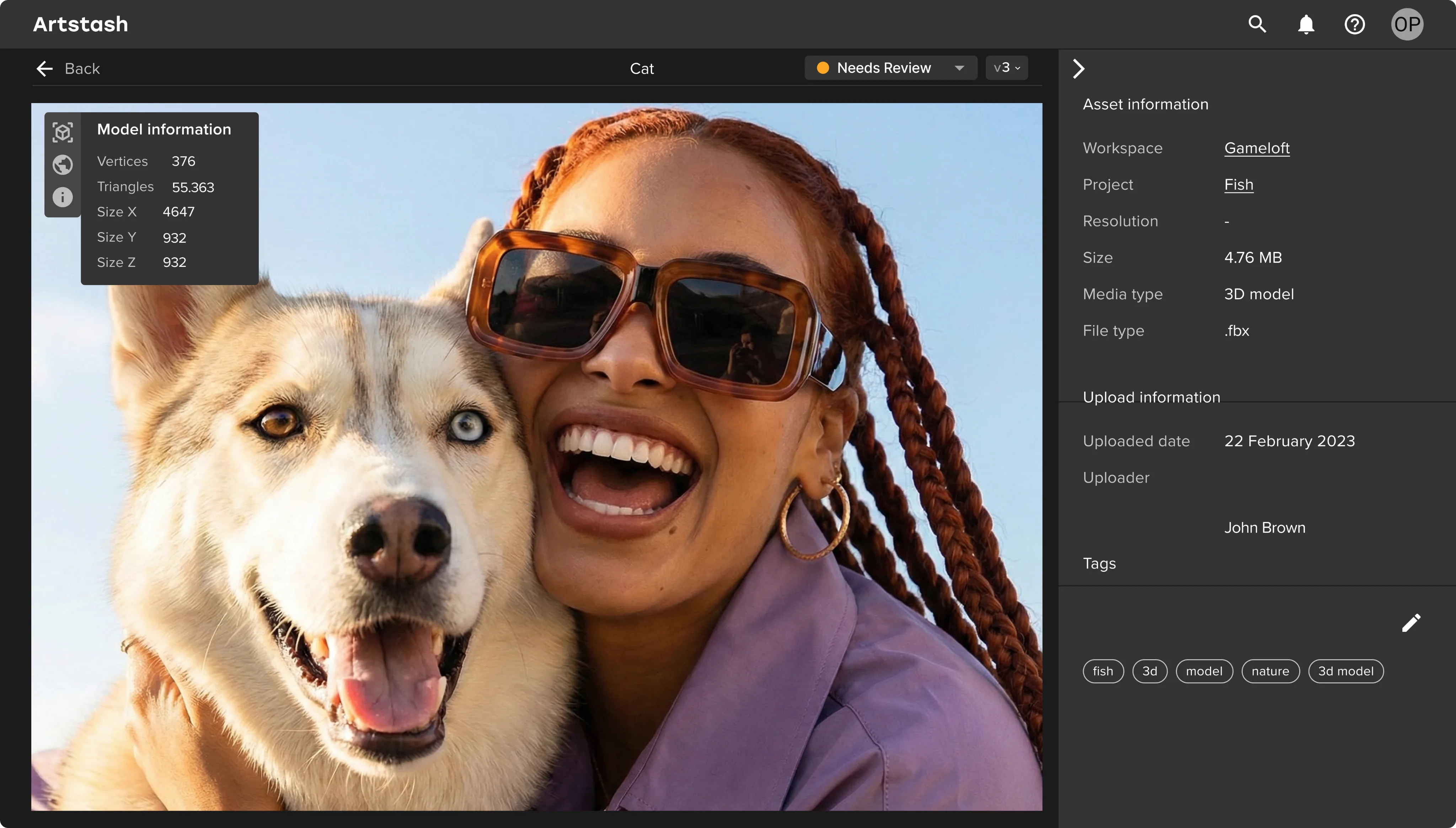
Control panel for previewing 3D assets
Allows you to change the background color, view images with edges, and access model information, such us Vertices, Triangles, Size X, Size Y, Size Z
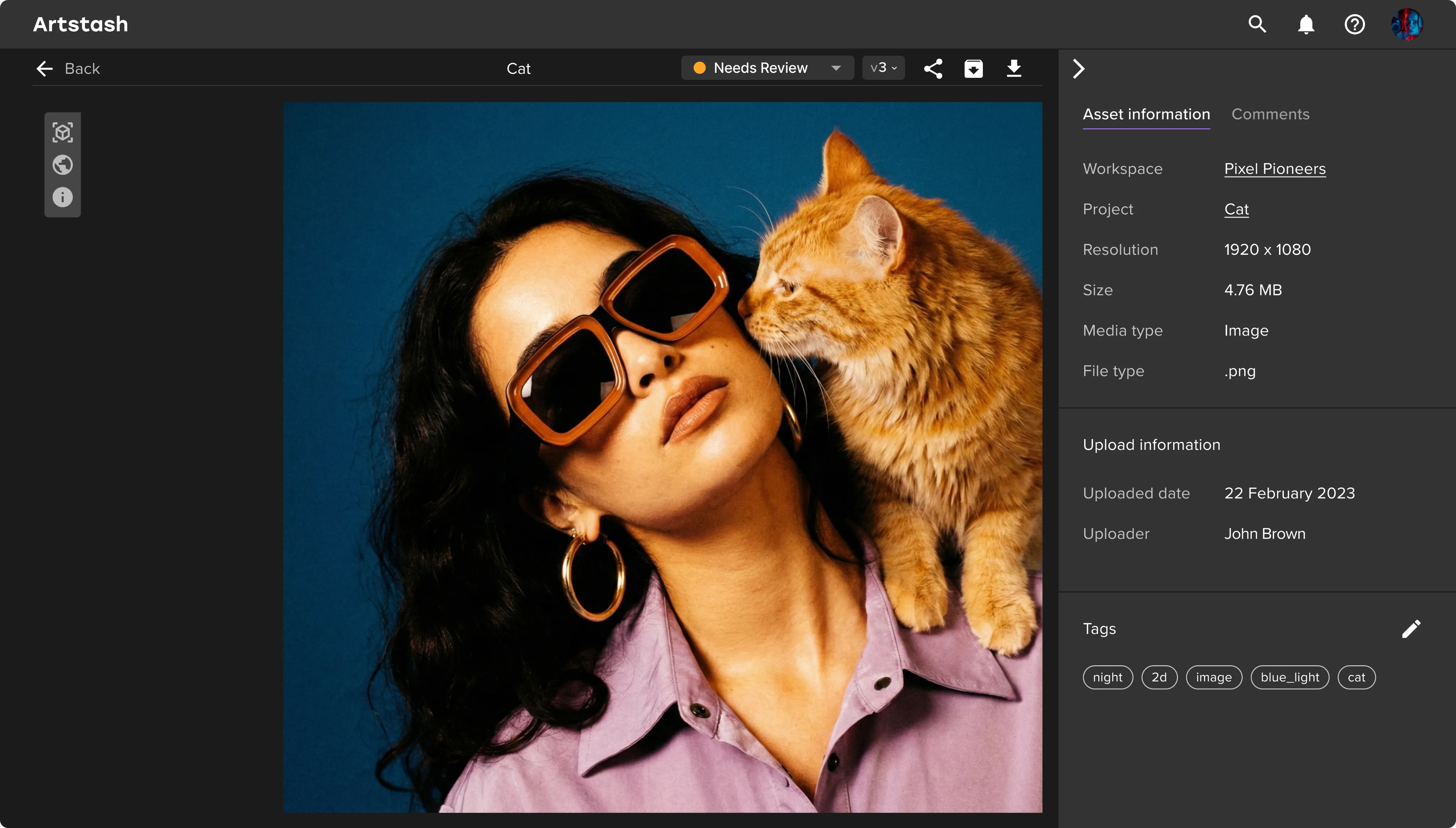
All information about file in one place
Information about the asset, including both automatic and manually added tags, as well as the path to the asset's location, can all be found on the asset panel.

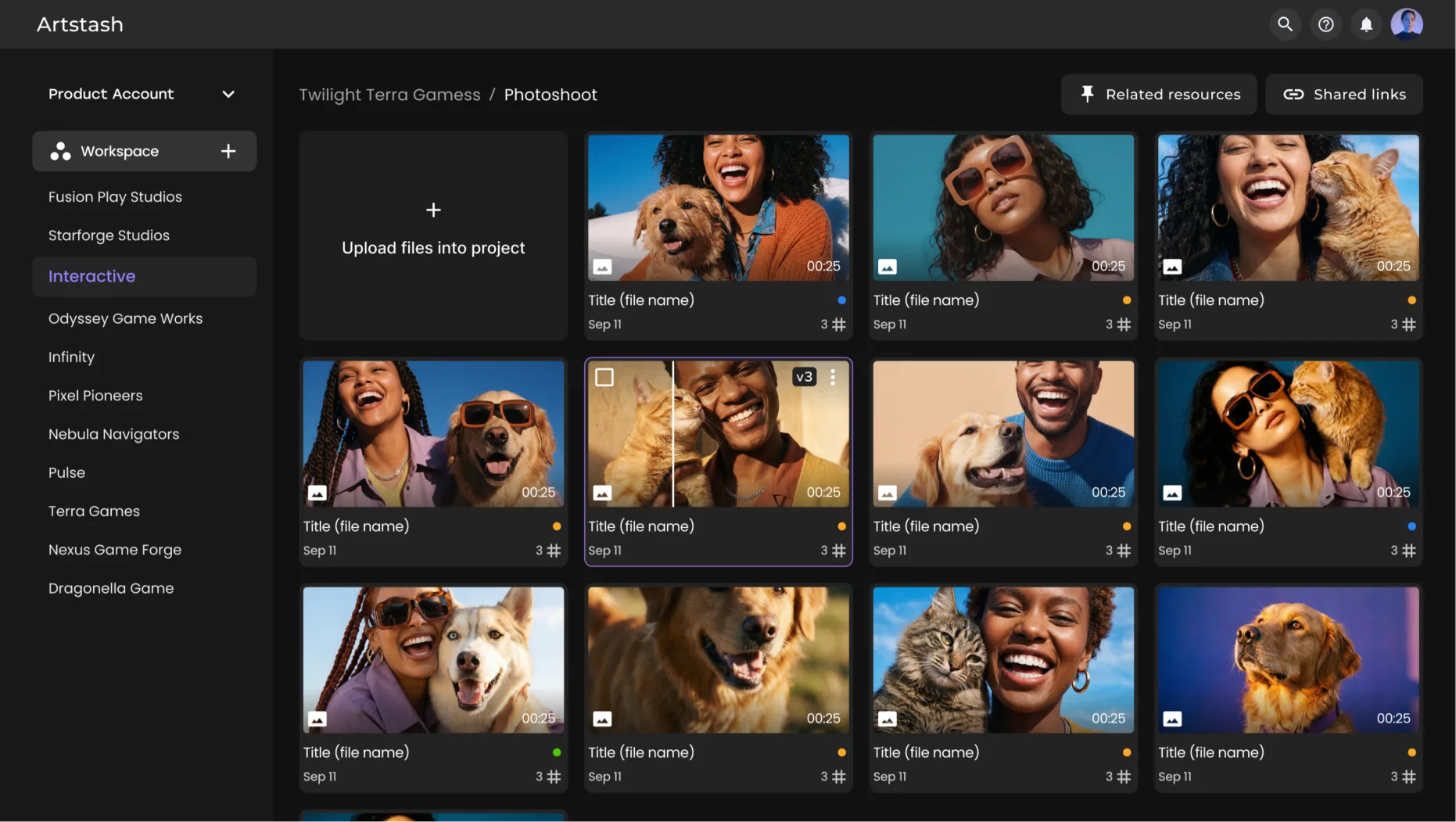
Assets
Browse asset tiles and perform actions on them through the three-dot menu





Synchronisation system
Differentiation
No competing DAM at the time supported live sync to both creative storage (Google Drive, Dropbox) and developer storage (Git, Perforce). That crossover workflow was the moat.
Keeping track of your assets with Artstash
Forcing teams to move all their files to a new platform is a huge mistake. Migration is slow, expensive, and completely breaks the creative workflow, it’s simply too much trouble for most studios. If we made users move their data, it would be too inconvenient and time-consuming for them to even start. Instead, Artstash connects directly to the storage they already use, like Google Drive or AWS. This keeps their files exactly where they are, saving weeks of work and avoiding the mess of moving data.
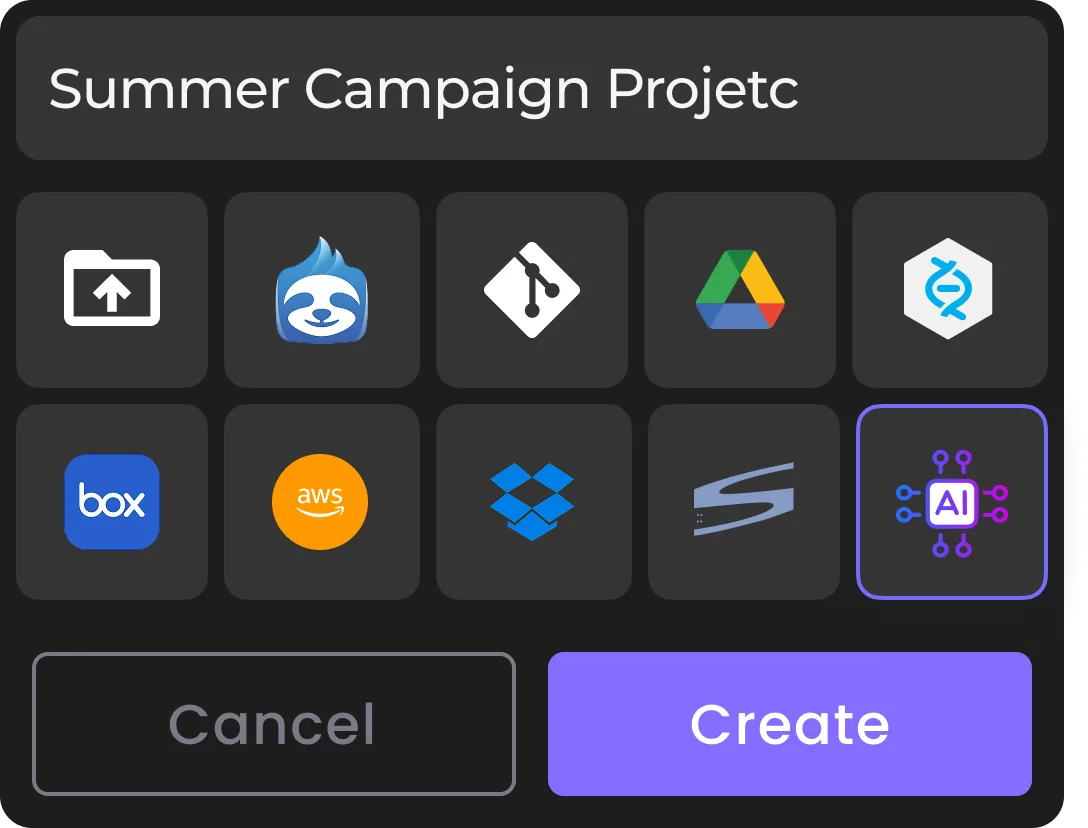
Start your project with seamless integration
Artstash offers the flexibility to connect your workspace with your favourite platforms instantly. Choose between a standard workflow or an AI-enhanced environment to generate content on the fly, tailored exactly to your needs.



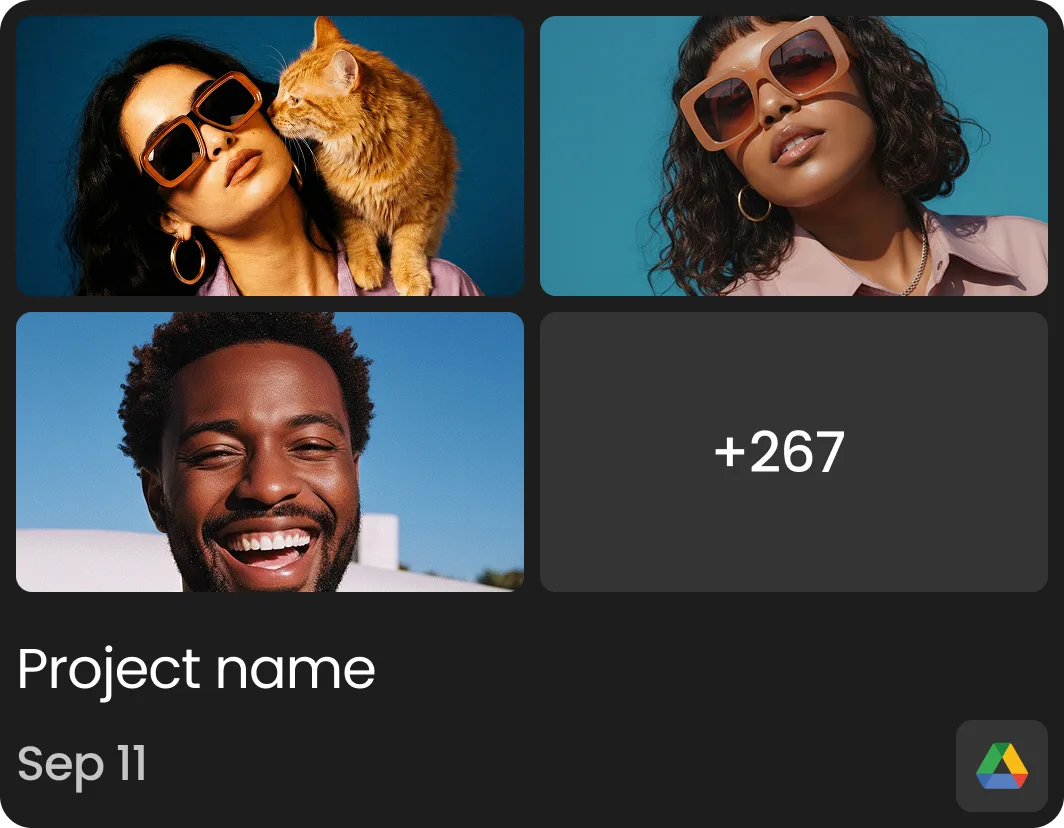
Seamless Platform Integration
This project is successfully synchronised with your chosen platform (Google Drive). All assets are kept up-to-date in real-time


Artstash.io
Notifications
Artstash keeps all your updates in one place
Creative teams chase status updates across Slack, email, comments inside design tools, and messages on the storage platform itself. Artstash pulls every action uploads, edits, comments, shares, into a single notification centre tied to the asset itself. Context-switching is the silent killer of creative work.


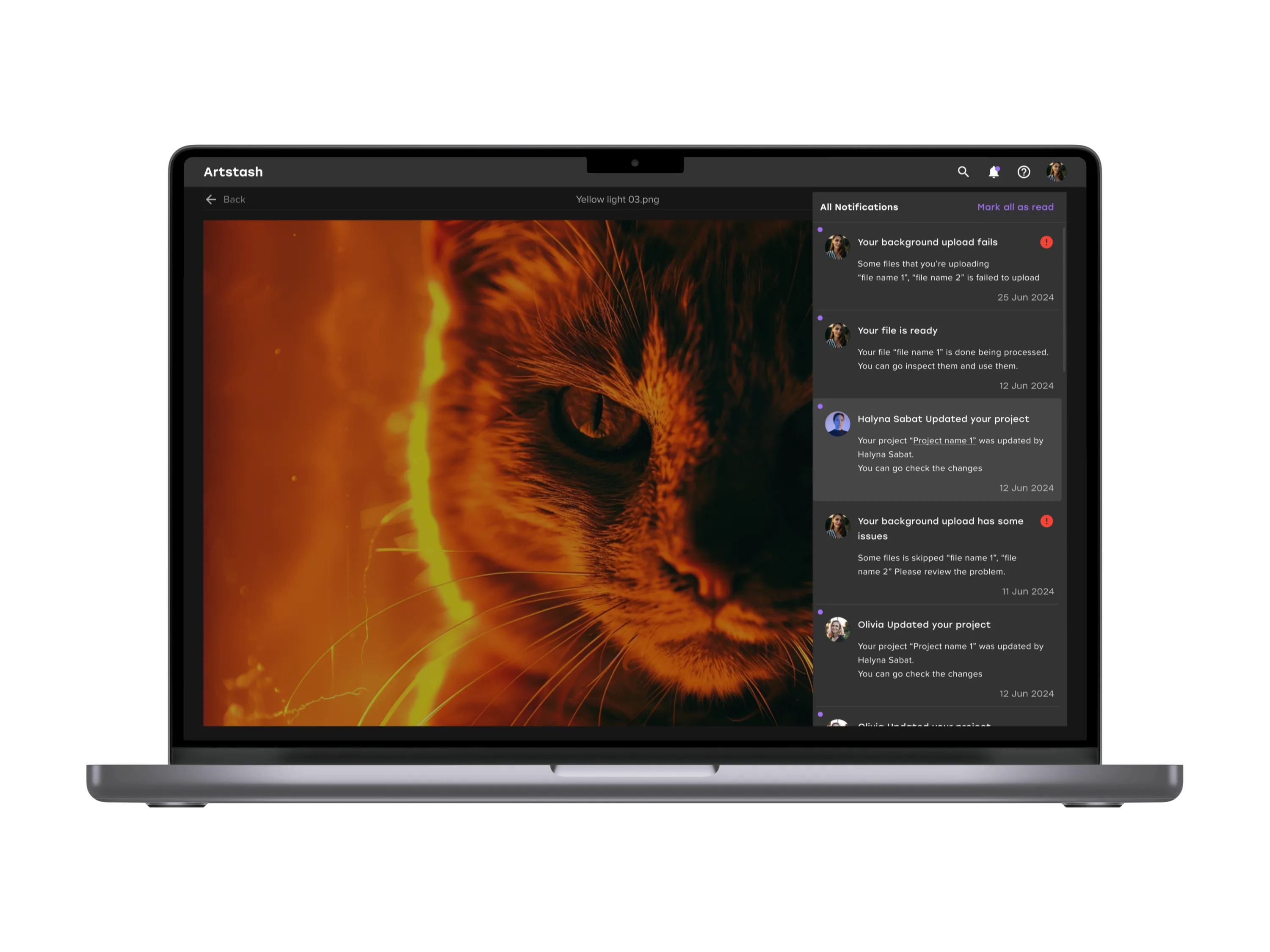
Compete Creative Workflow
Designed for the way modern creative teams actually work
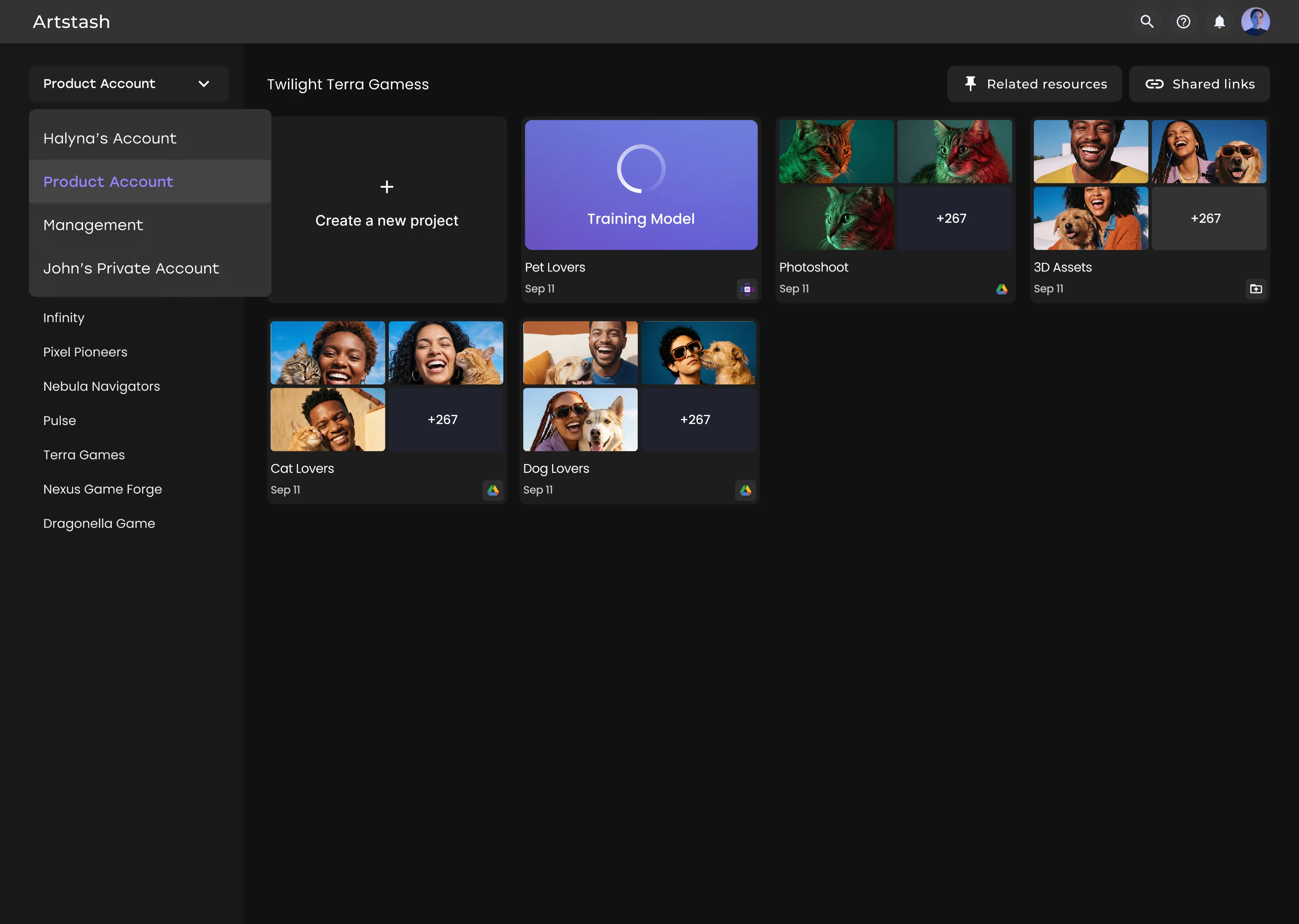
Connecting related resources and enabling multi-account access makes collaboration seamless. Creative work relies on freelancers, and forcing a new login for every studio adds unnecessary friction. This setup lets users easily switch between organizations and access everything they need without losing focus. And by replacing rigid folders with a Smart Search built on levels, auto-tags, and AI tags, finding the right asset became far faster — cutting asset-discovery time by 80%, measured through 30 moderated comparative usability sessions.
Related resources
A way in Artstash to put all project info and files in one spot, so it’s easy to find and use

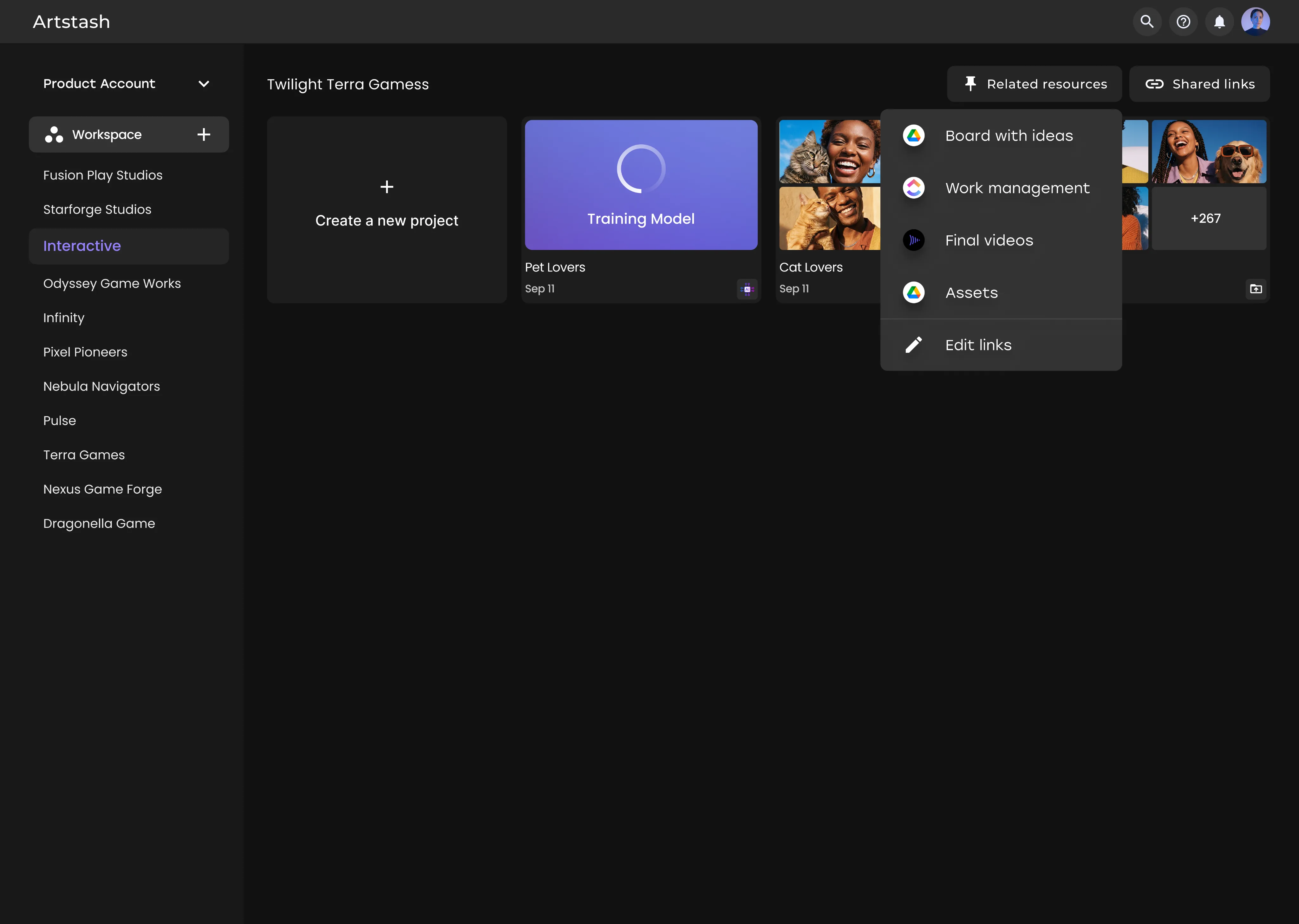
Multi account membership
Feature enabling users to invite others from different organisations to collaborate within Artstash, simplifying cross-company asset management
Outcome & Reflection
From blank canvas to shipped, market-ready product
Artstash launched as a fully functional digital asset management platform, validated through stakeholder reviews and real usage. Each goal defined at the start of the project was met — and in comparative usability testing, the new Smart Search cut asset-discovery time by 80% across 30 moderated sessions.
80% faster asset discovery ( Smart Search )
Built from scratch ( 0 → 1 )
Multi-platform sync ( 7 platforms )
Non-technical user accessibility
Automatic version tracking with zero effort
The Best Kind of Feedback
Project Reflections
What surprised me
I originally thought the 3D preview was just a “nice bonus” feature, but it turned out to be the most popular part of the tool during testing. For the first time, managers could review 3D models directly without having to bother an engineer to open and export the files for them. This completely changed how everyone saw the product — it wasn’t just a place to store files anymore; it became an essential tool for tracking progress and approving creative work.
What I’d do differently
I would let go of the need to make everything visually perfect right from the start. I realised that it’s often better to build something simple, even if it doesn’t look amazing, just to release it quickly and get real user feedback. We can always polish it later. At first, it was genuinely hard for me to accept that my “not quite perfect” visual designs were going into development. But I learned that the business sometimes requires speed, meaning we have to prioritise function and content over a perfect look.
What I carried forward
Being the only designer on a team of 13 taught me how to truly collaborate. I learned that I couldn’t just tell engineers what to do based on my feelings or opinions; I had to prove why a design made sense. I started bringing clear pros and cons to our discussions instead of just my personal preferences. This habit of leading with logic instead of authority completely changed how I communicate, and I still use this approach in every project today.